![knowledge-base-header-bcn3d-logo.png]](https://support.bcn3d.com/hs-fs/hubfs/Knowledge%20base/Header/knowledge-base-header-bcn3d-logo.png?height=40&name=knowledge-base-header-bcn3d-logo.png)
Normal operation
Both printing heads in the Omega have a piezo sensor installed. The function of these sensors is to measure the distance between the nozzle and the build plate during different calibration procedures, like build palte leveling, mesh mapping or Z calibration. To make sure the piezo is working as expected we can perform the following checks:
1-Extruder board LED
The extruder board LEDs is normally OFF, and will turn on when there's a change of pressure in the printing head. You can check if it is working correctly by turning the printer on, and touching the printing head.
/00%20piezo%20extruder%20board%20led.jpg?width=511&height=488&name=00%20piezo%20extruder%20board%20led.jpg)
 Keep in mind that it's normal that the extruder board Led turns on during printer motion, as the piezo sensor has a very high sensitivity
2-Peripherals board LED
The piezo LEDs on the peripherals board are normally ON and will turn off when there's a change of pressure in the printing head. To confirm if the piezo signal is being sent to the peripherals board, we can run the same verification as above
/00%20piezo%20peripherals%20board%20LED.jpg?width=538&height=479&name=00%20piezo%20peripherals%20board%20LED.jpg)
3-Response time
If the piezo response is not accurate, this can result in incorrect measurements leading to different outcomes, like inconsistent calibration results, first layer being too close or too far, false readings etc.
The piezo response should be almost immediate.
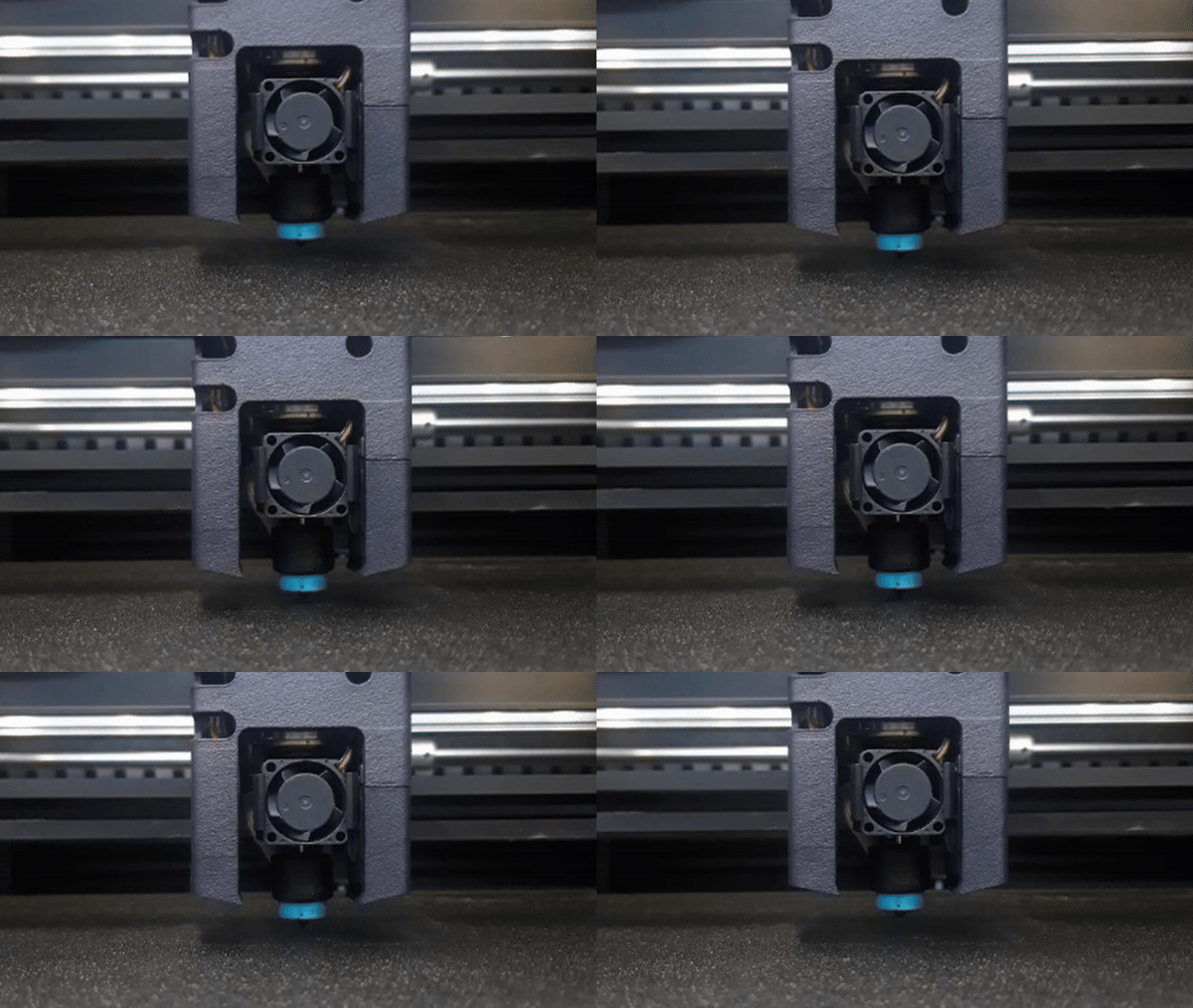
How to check the consistency of the piezo readings.
The best way to measure the consistency of the piezo sensors readings is to perform a number of Z calibrations, checking the resulting offset in between measurements:
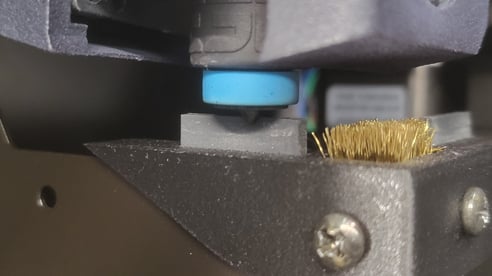
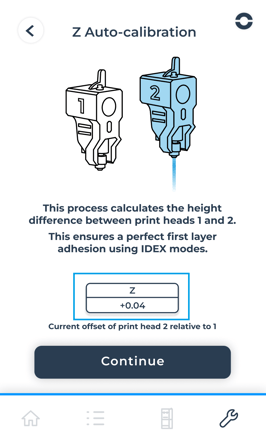
Write down that value and repeat the proecess a second time to confirm that the measurements are consistent. (Keep in mind that a 0.025 variation is acceptable)
How to troubleshoot and prevent potential issues
If your readings are not consistent, there's a series of simple checks that you can run:
1-Loose hotend / printhead
Make sure that the hotend tip is installed all the way in, and that the hotend doesn't have any play in the printing head
/00%20hotend%20tip.jpg?width=508&height=322&name=00%20hotend%20tip.jpg)
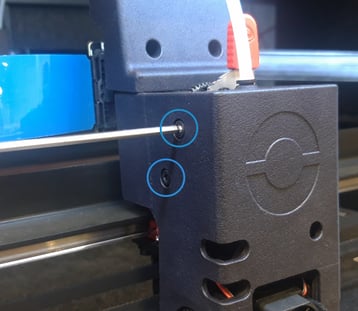
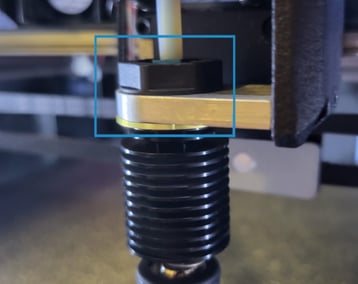
If the hotend tip is correctly installed, but the hotend has some play, follow these steps turn of the printer and remove the side cover of the printing head to adjust the hotend nut. If your printer has a plastic nut instead of a metal one, contact support@bcn3d.com
 |
Attention! Electrical Hazard It's very important to turn off and disconnect the printer to avoid short circuits or any risk of electrocution. |
2-Cable connection
If any of the LED's that respond to the piezo sensor is ON or OFF all the time, it's likely that there's a connection issue. Make sure to check the piezo sensor cable connection, as well as the flat cable connection going from the extruder board to the peripherals board.
|
Attention! Electrical Hazard It's very important to turn off and disconnect the printer to avoid short circuits or any risk of electrocution. |