![knowledge-base-header-bcn3d-logo.png]](https://support.bcn3d.com/hs-fs/hubfs/Knowledge%20base/Header/knowledge-base-header-bcn3d-logo.png?height=40&name=knowledge-base-header-bcn3d-logo.png)


This article will help you in changing the hotbed heating pad and the cable that connects it to the mainboard. To do so, follow the next steps:
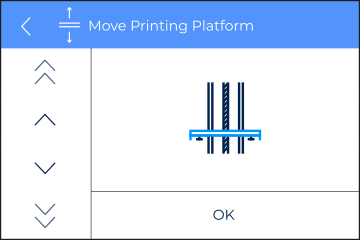
1. Raise the printing platform to its top position. To do so, go to Utilities/Maintenance/Move printing platform
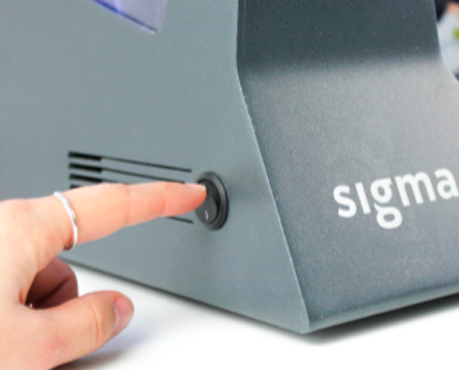
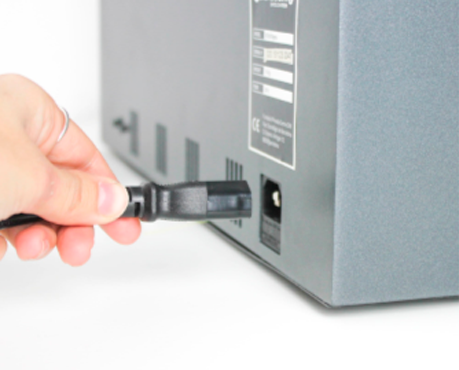
2. Turn off your BCN3D Sigma and disconnect it from the power source.
 x2 M3 8mm
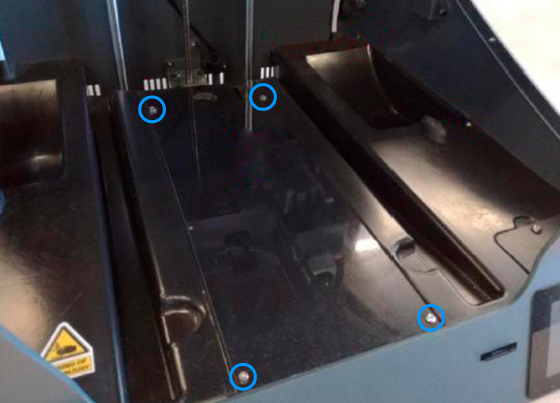
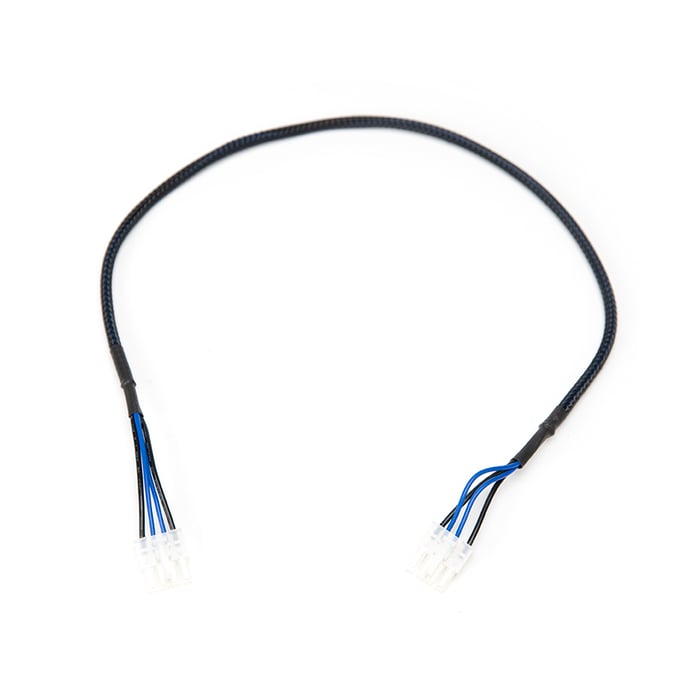
4. Disconnect the hotbed cable from the mainboard and the hotbed.
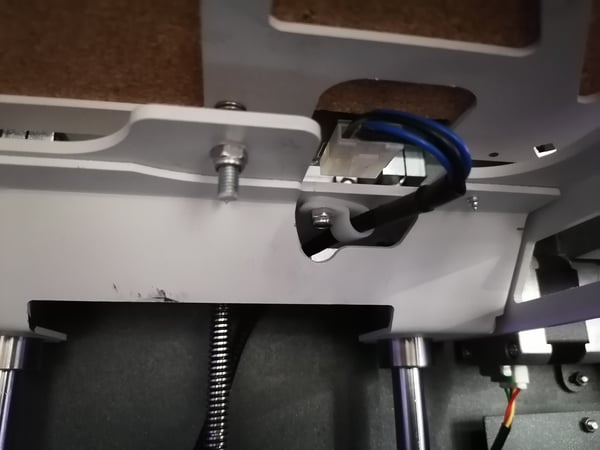
 x1 M3
x1 M3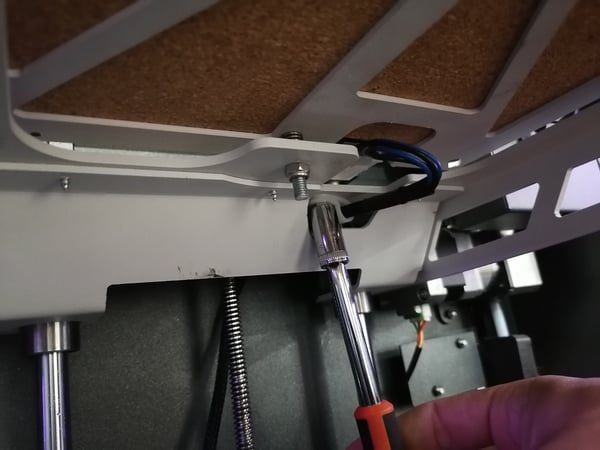
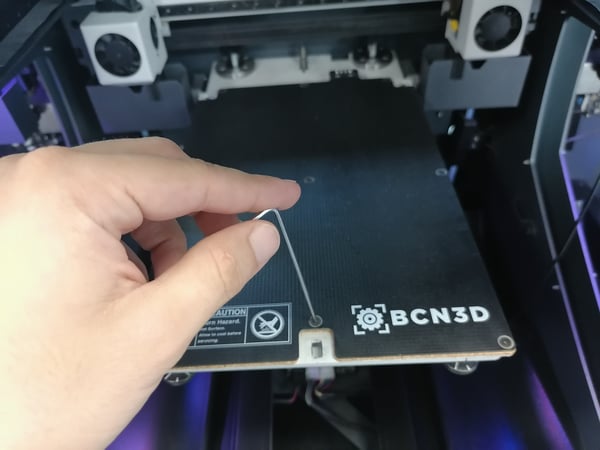
7. To install the new hotbed and cable, follow the same steps in inverse order.
Forum Community
Do you have questions about this process? Check out our forum community for more info about this.
It's important to keep your printer in good shape to make the most out of it. In this chart, you can find a list of the extruder maintenance procedures and how frequently these should be done. Maintenance Plan
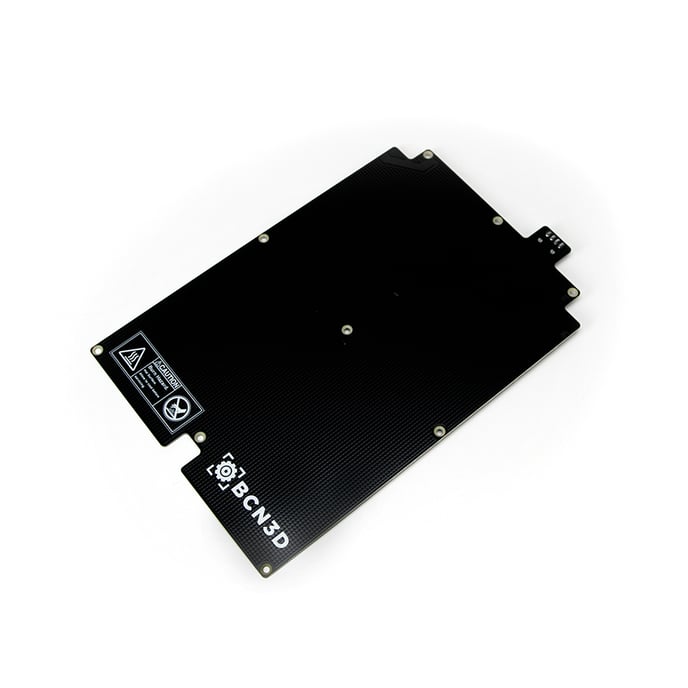
 Take your e-waste to a certified recycler. Check how we do it in BCN3D.

|
You can help improve the BCN3D Knowledge Base. If you feel there are guides that we are missing or you found any error, please use this form to report it. Report form :) |