![knowledge-base-header-bcn3d-logo.png]](https://support.bcn3d.com/hs-fs/hubfs/Knowledge%20base/Header/knowledge-base-header-bcn3d-logo.png?height=40&name=knowledge-base-header-bcn3d-logo.png)
| Tools | |
 |
Allen key 2 mm |
 |
Allen key 2.5 mm |
_____________________________________________________________________________________
1. Turn off and unplug the printer.
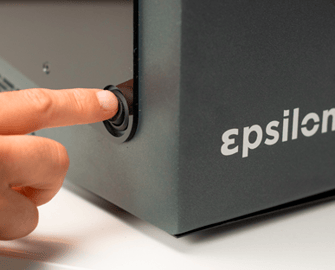 |
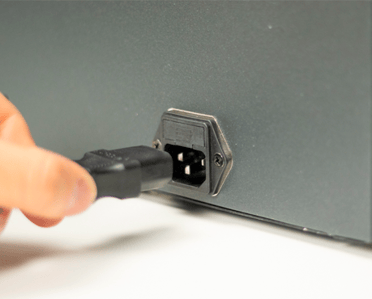 |
2. Remove inner cover
- Warning! Be careful when handling the connection cover as the cables underneath may be damaged.
- The piezo cable is extremely sensitive, use caution when handling it.
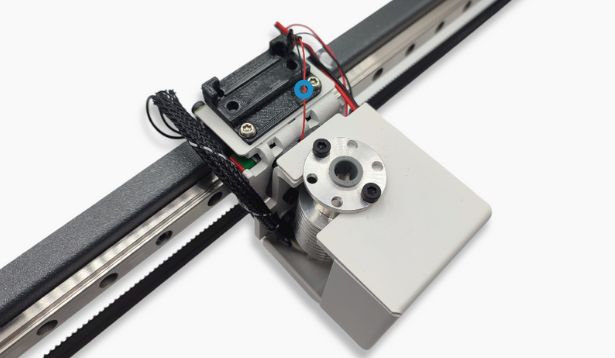
3. Check piezo board
If your printer model has a clamp to hold the flat cable in place, remove the clamp so that the cable is loose as shown here:
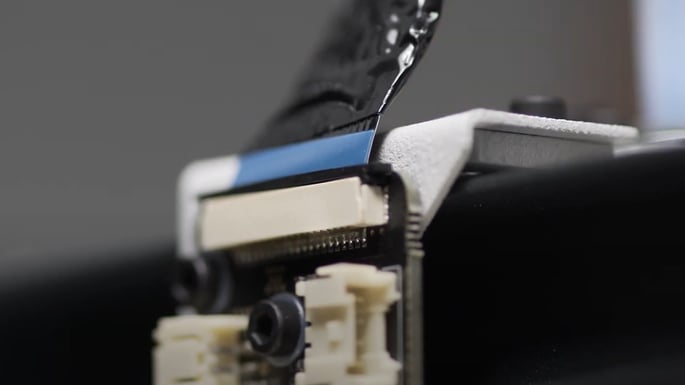
- Unscrews the board from the plate. There is no need to unplug the fan, piezo and hotend cables.
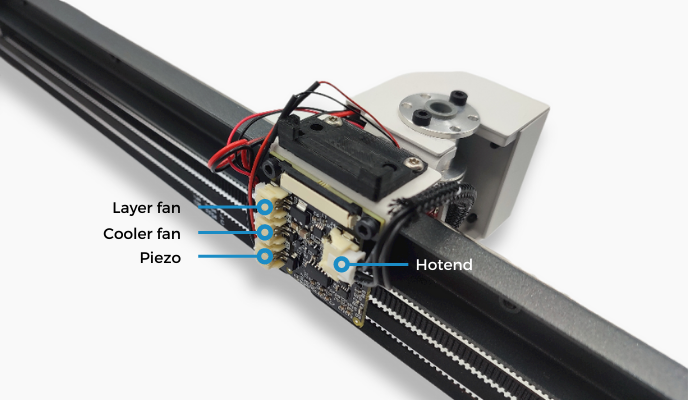
- Carefully, turn the piezo board and check the voltage value.
-jpg.jpeg?width=422&height=361&name=20230313_125238%20(1)-jpg.jpeg)
- Once you have the voltage, reassemble the components following the steps backwards.