![knowledge-base-header-bcn3d-logo.png]](https://support.bcn3d.com/hs-fs/hubfs/Knowledge%20base/Header/knowledge-base-header-bcn3d-logo.png?height=40&name=knowledge-base-header-bcn3d-logo.png)
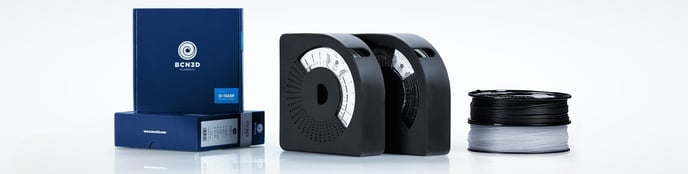
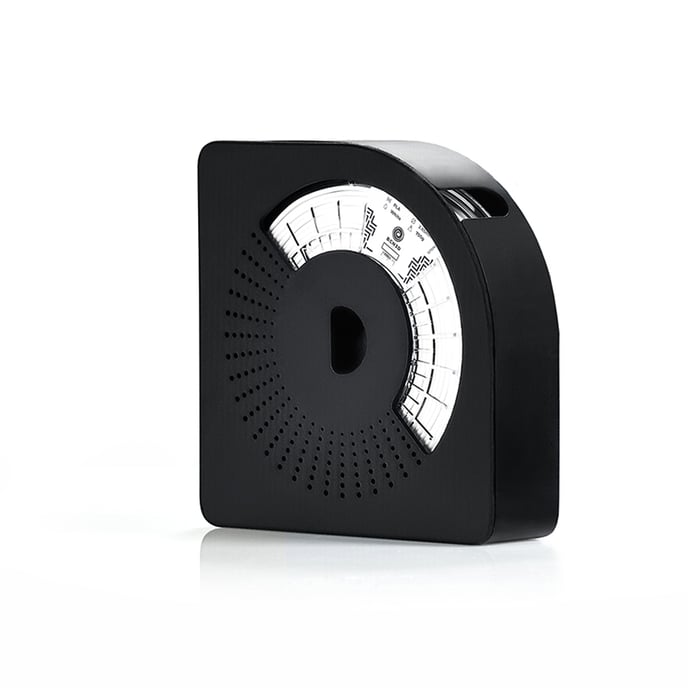
The BCN3D Spool Cartridge is a plastic cartridge designed to store and place the filament spools (normally 750gr.) Inside the BCN3D Smart Cabinet.
The use of this cartridge in the dehumidifying chamber of the Smart Cabinet is highly recommended, since:
- Improve user experience when storing and changing materials.
- It simplifies the loading and unloading operations of the filament.
- Ensures correct coil rotation during printing.
- Maintains filament slack after unloading operation, preventing material from tangling.
Content table:
BCN3D Spool Cartridge Features
How to use the BCN3D Spool Cartridge
BCN3D Spool Cartridge Features
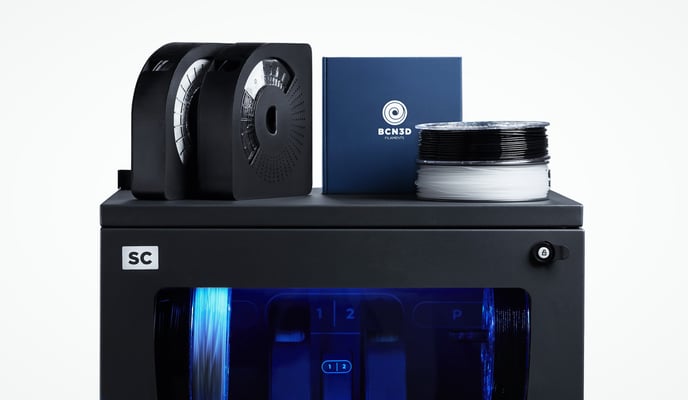
Quick material change
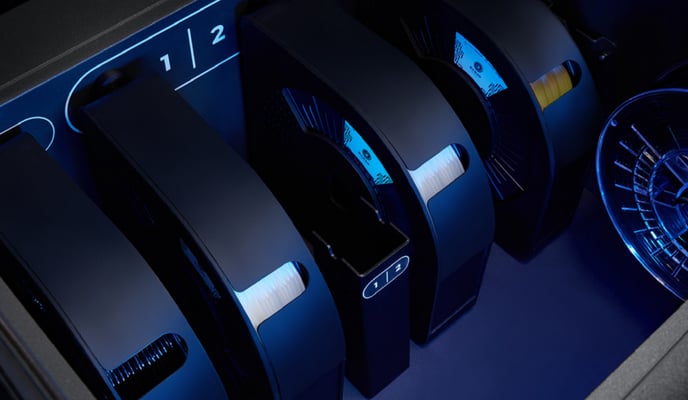
Magnetic snap fit
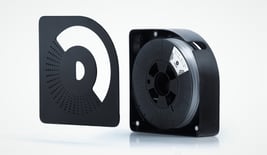
Tangle-free discharge
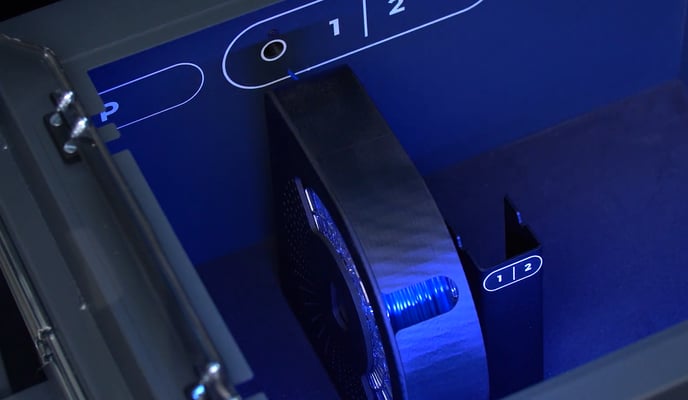
Compatibility
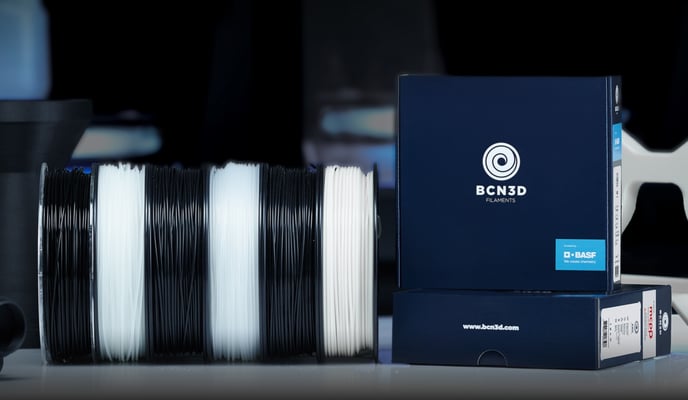
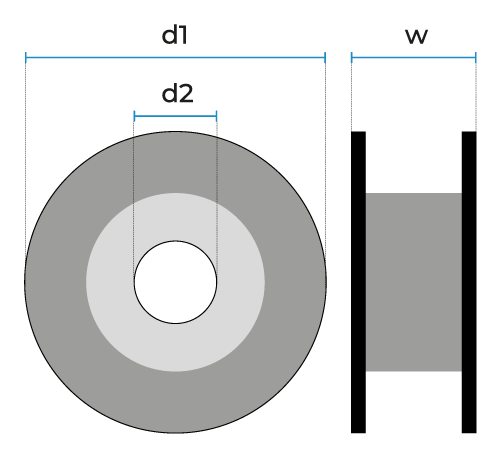
How to use the BCN3D Spool Cartridge
Storing a spool in the BCN3D Spool Cartridge
1. Insert the coil into the cartridge.
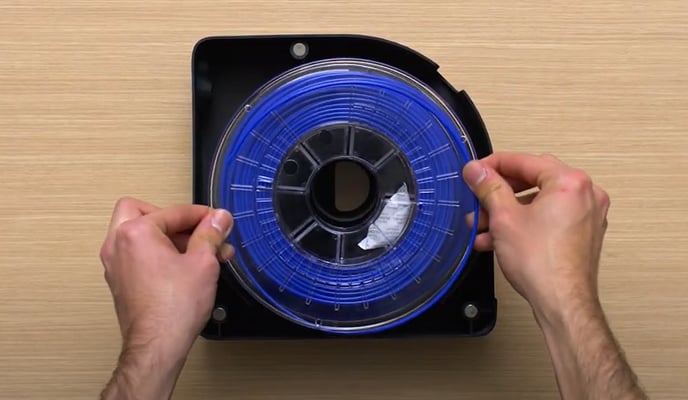
2. Insert the end of the filament through the hole in the side wall of the cartridge.
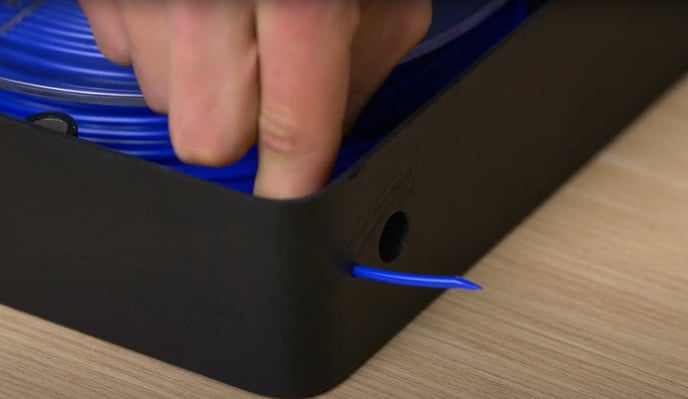
3. Close the cartridge with its cap.
Load filament from the BCN3D Spool Cartridge.
1. Place the BCN3D Spool Cartridge inside the dehumidifier chamber of the Smart Cabinet.
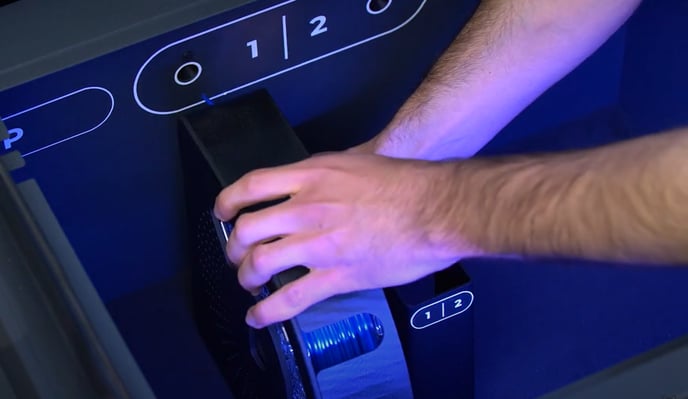
2. Select Load Filament from the Utilities / Filament / Load menu.
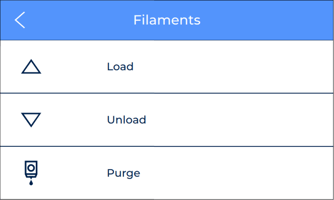
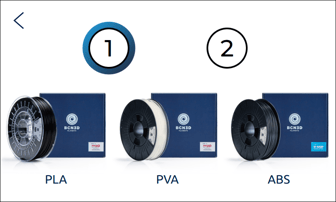
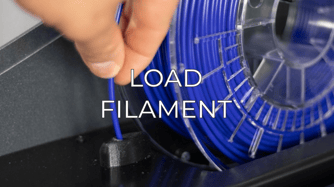
3. Pull the filament from the cartridge and feed it through the loading port until it stops with the extrusion motor.
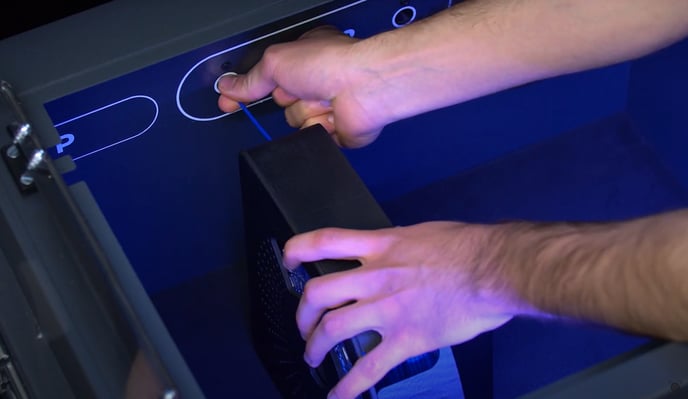
4. Push the BCN3D Spool Cartridge into the charging port until it magnetically engages the wall.
5. Continue with the rest of the instructions on the screen.
Note: In the following article you will find all the steps related to loading the filament from the BCN3D Smart Cabinet: How to load the filament (Smart Cabinet).
Conclusions
Visit the following article to know the importance of correctly storing your filament spools: How to handle and store the filament correctly.
Forum community
Repair didn’t go as planned? Check out our forum community for troubleshooting help.
It's important to keep your printer in good shape to make the most out of it. In this chart, you can find a list of the extruder maintenance procedures and how frequently these should be done. Maintenance Plan
 Take your e-waste to a certified recycler. Check how we do it in BCN3D.

|
You can help improve the BCN3D Knowledge Base. If you feel there are guides that we are missing or you found any error, please use this form to report it. Report form :) |