![knowledge-base-header-bcn3d-logo.png]](https://support.bcn3d.com/hs-fs/hubfs/Knowledge%20base/Header/knowledge-base-header-bcn3d-logo.png?height=40&name=knowledge-base-header-bcn3d-logo.png)

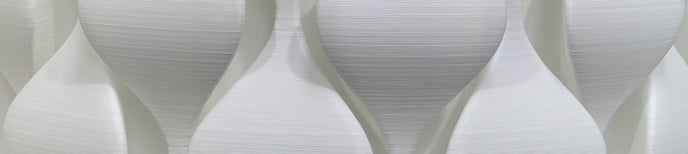
In every manufacturing process, there is a parameter that determines the quality of the product. In 3D printing this parameter is the layer height. In this article, you will learn all about layer height and how to set it correctly.
Table of contents:
What is and how does layer height affect the model
Correctly set the layer height
What is layer height and how does it affect the model

The layer height defines how thick the layers of the printed model will be.

The initial layer height parameter allows you to modify the thickness of the first layer. A thicker first layer improves adhesion to the print surface.
Note: Layer height values are automatically shared between extruders so it is only necessary to indicate it in one of the heads.
The thickness of the layers affect different physical aspects of the part and the printing process:
Surface quality
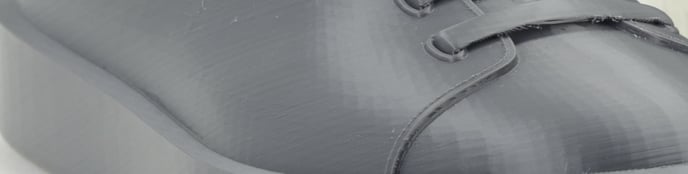
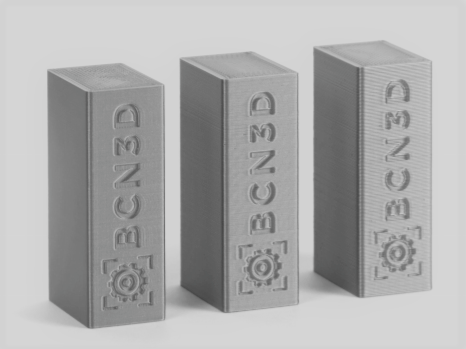
Reducing the layer height makes the part surface smooth and continuous. It also allows you to obtain a greater level of detail along the Z-axis, which has a significant influence on curved surfaces, on-ramps, and overhangs.
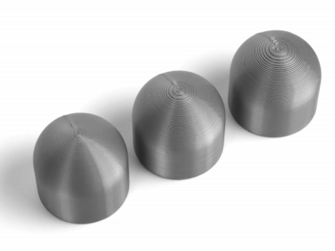
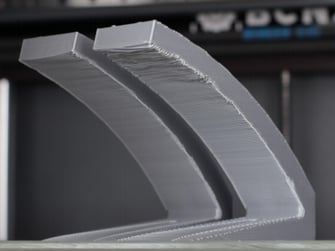
Printing time
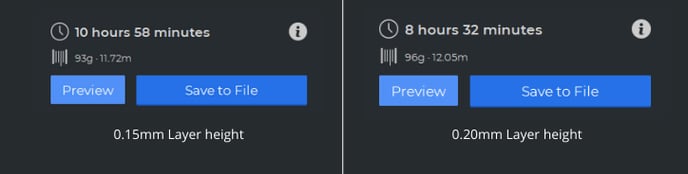
However, lowering the layer height also makes the printing time longer. Time increases inversely proportional to layer height.
Mechanical properties
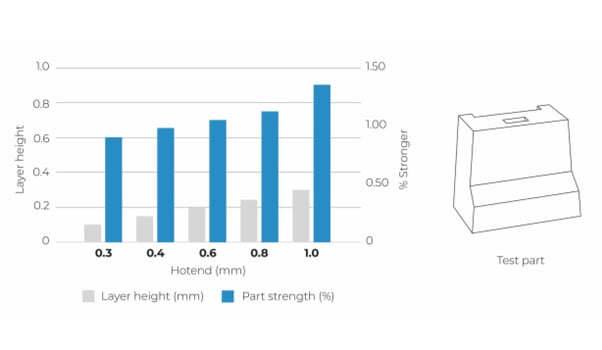
the thicker the layers, the greater the mechanical resistance of the piece, this is due to the reduction of weld points, which are the weak areas between layers.
The following graph shows how the mechanical resistance varies depending on the diameter of the hotend and the height of the layer:
Post-processing.

For post-processing tasks such as sanding and painting, it is preferable that the layer height is extremely small to save time. If you want to know more about how to sand or paint your model, visit the following article: Post-Processing
Correctly set the layer height
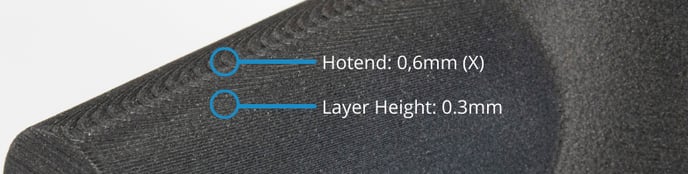

When selecting a layer height, it is necessary to know the physical limitations that must be taken into account:
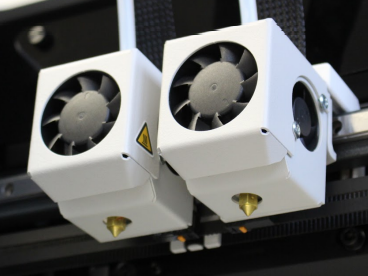
The diameter of the hotend
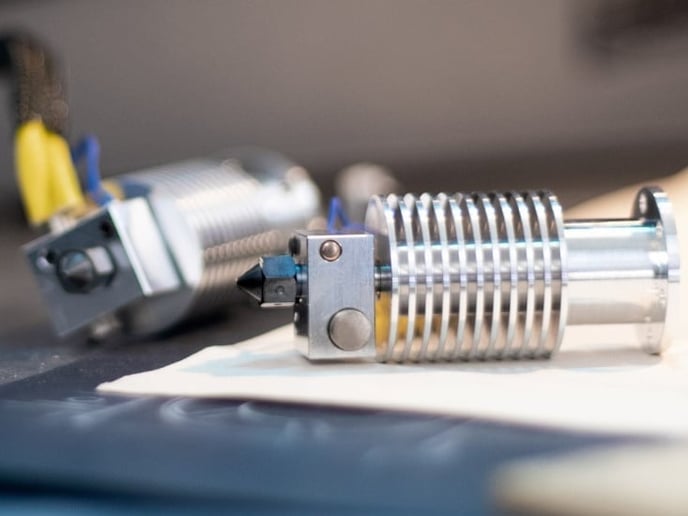
The minimum layer height
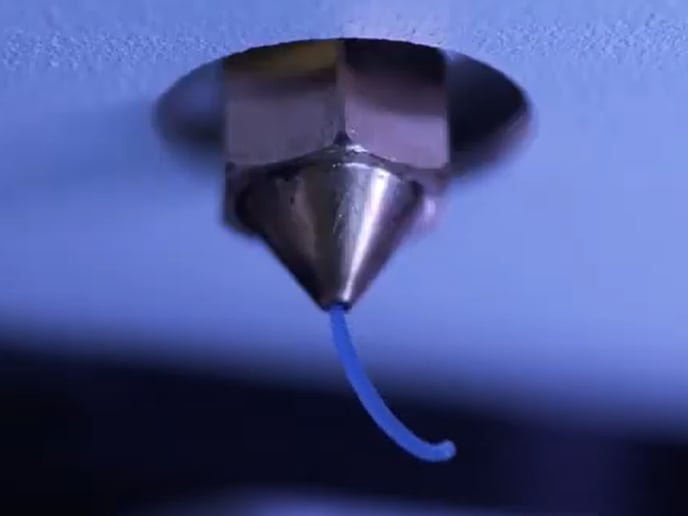
Material flow
Print speed

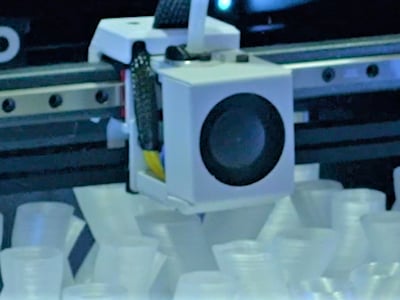
To avoid problems, vary the speed in steps of 5mm / s and do not exceed the threshold of print speeds of the material.
Printing temperature

Forum community
Need more tips? Check out our forum community for help.
It's important to keep your printer in good shape to make the most out of it. In this chart, you can find a list of the extruder maintenance procedures and how frequently these should be done.
Maintenance Plan (Epsilon Series)
Maintenance Plan (Sigma Series)
Maintenance Plan (BCN3D Sigmax)
Maintenance Plan (BCN3D Sigma)
 Take your e-waste to a certified recycler. Check how we do it in BCN3D.
|
You can help improve the BCN3D Knowledge Base. If you feel there are guides that we are missing or you found any error, please use this form to report it. Report form :) |