![knowledge-base-header-bcn3d-logo.png]](https://support.bcn3d.com/hs-fs/hubfs/Knowledge%20base/Header/knowledge-base-header-bcn3d-logo.png?height=40&name=knowledge-base-header-bcn3d-logo.png)


This guide is only for the early Sigma units that don't have the silent driver upgrade.
Content:
Note: Before starting the upgrade, raise the bed so you can have access to the Z driver, and then, turn off and disconnect the printer.
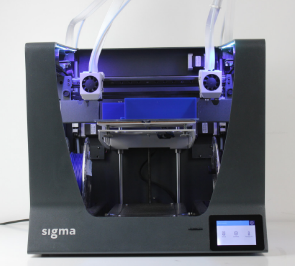
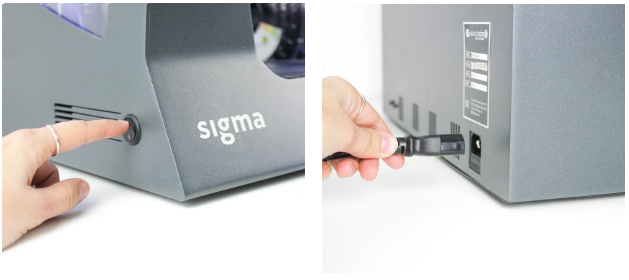
X-Axis drivers
 x2 M3 8mm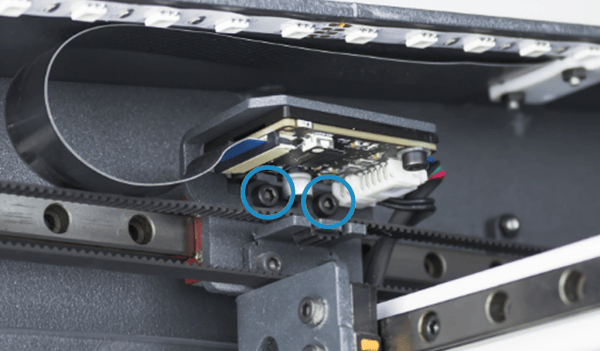
2. Disconnect the flat cable and the other connectors.
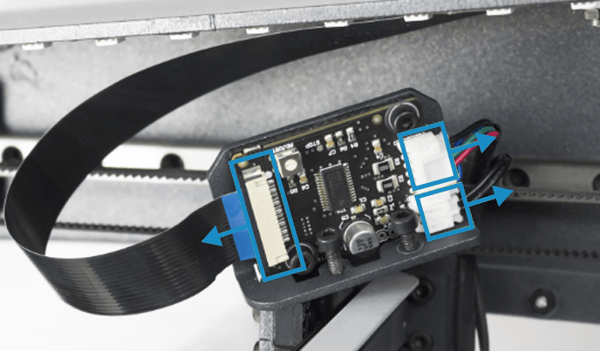
 x2
x2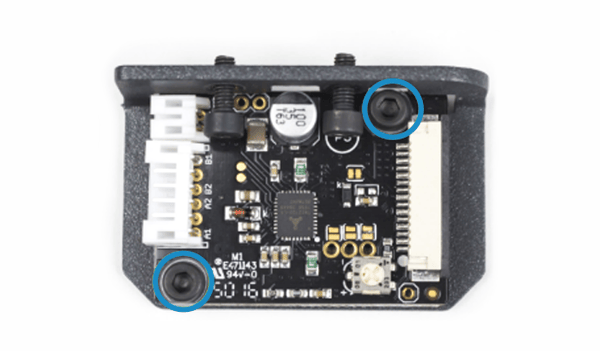
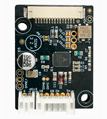
4. Assemble the new Driver with the spacer and holder with the same screws and washers in the same way as it was before.
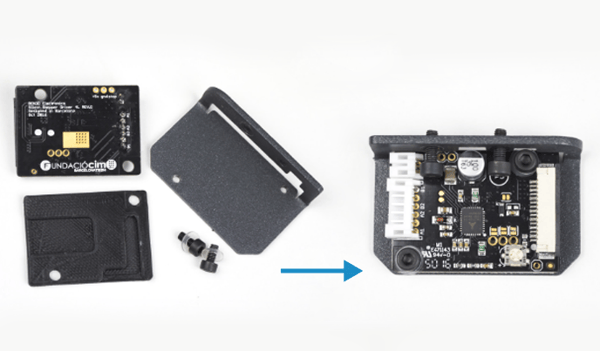
5. Connect the flat cable and the other connectors to the Driver, and screw the two screws of the Driver holder.
Y-Axis driver
 x2 M3
x2 M3
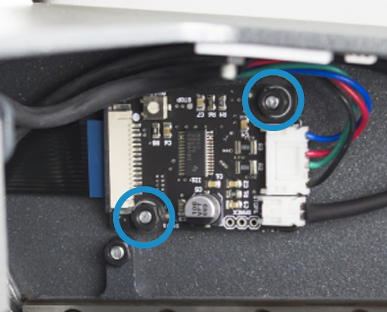
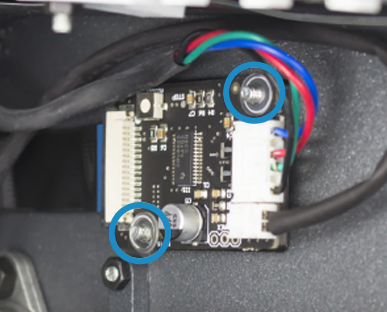
2. Disconnect the flat cable and the other connectors.
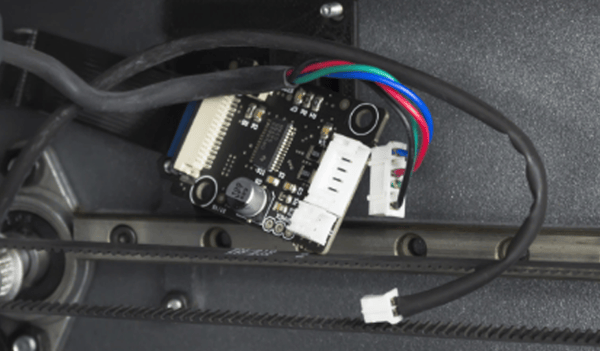
3. Connect the flat cable and the other connectors to the new Driver.
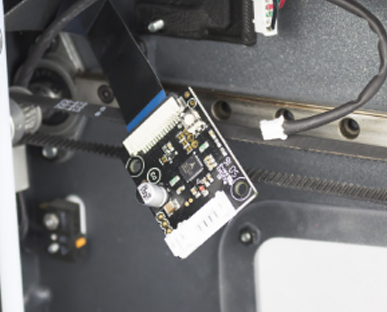
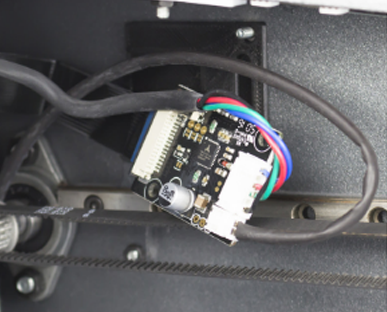
4. Assemble the new Driver in the correct position with the same spacer as it had before.
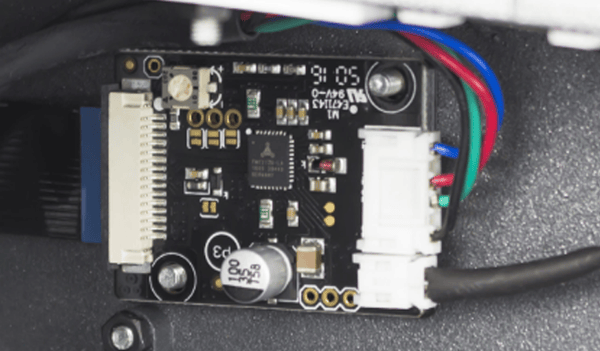
Z-Axis driver
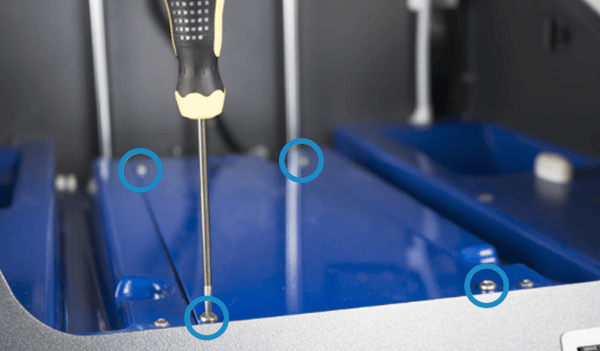
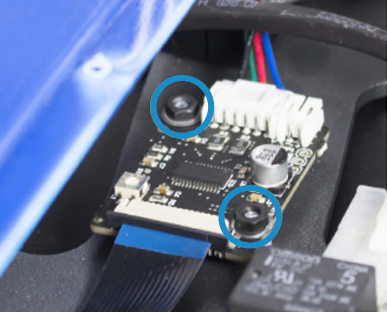
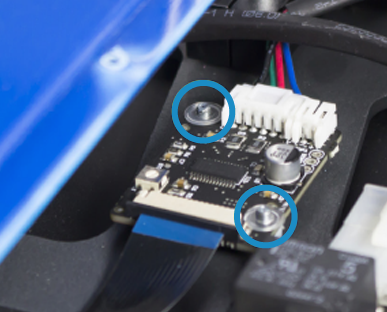
3. Disconnect the flat cable and the stepper motor wire.
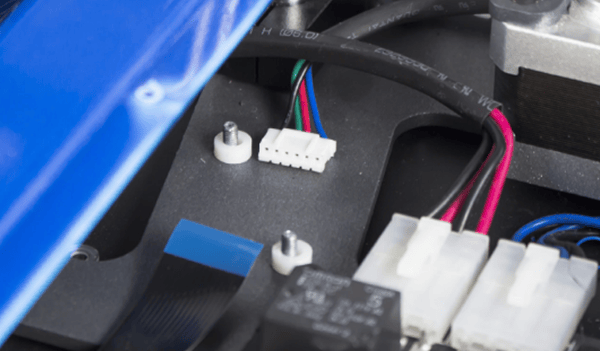
4. Connect the flat cable to the new Driver.
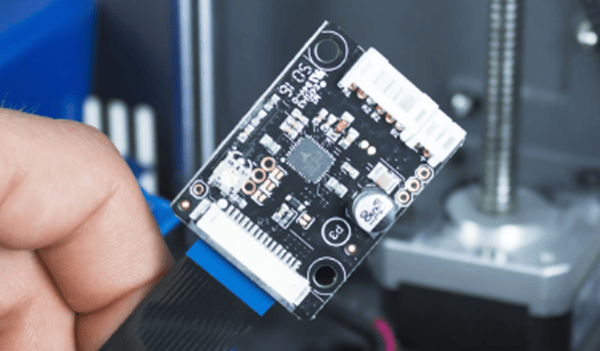
5. Assemble the new Driver in the correct position with the same spacer as it had before and then place the washers. Tighten the nuts and connect the stepper motor wire.
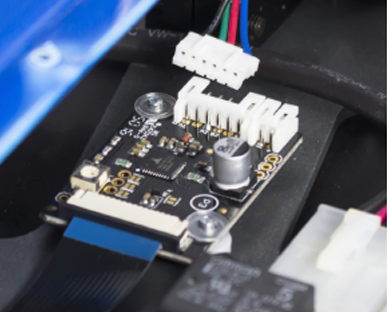
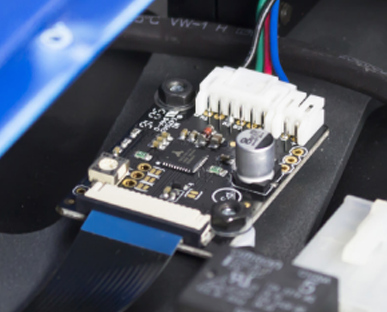
Extruder motor driver
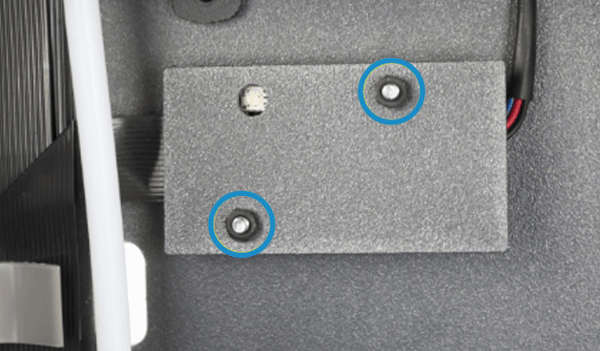
 x2
x2
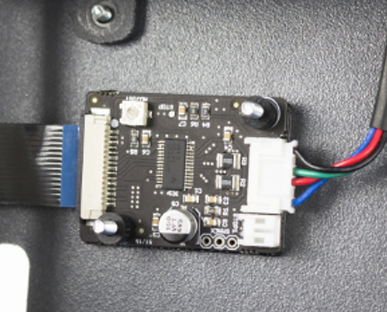
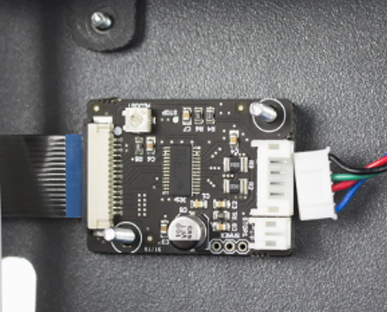
3. Connect the flat cable to the new Driver. Then place the Driver with the same back spacer and connect the Stepper motor wire.
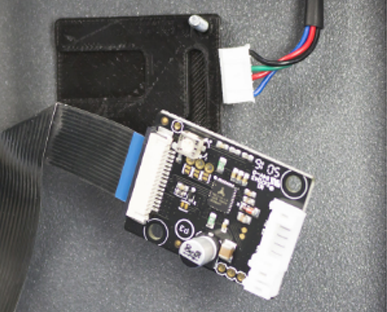
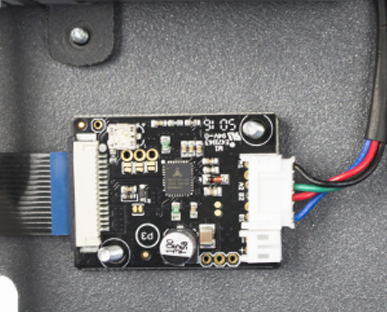
Conclusions
It's important to check the connections of flat cables before powering up the printer, you will find more information about this here: How to check flat cable connections
Forum Community
Need more tips? Check out our forum community for more info about this
It's important to keep your printer in good shape to make the most out of it. In this chart, you can find a list of the extruder maintenance procedures and how frequently these should be done. Maintenance Plan
 Take your e-waste to a certified recycler. Check how we do it in BCN3D.
|
You can help improve the BCN3D Knowledge Base. If you feel there are guides that we are missing or you found any error, please use this form to report it. Report form :) |